Replies land in an inbox, not straight on your list.
Guests reply on your wedding website. Each reply is matched to your guest list. A clean match confirms in one tap, a near match waits for a look, and nothing on your list changes until you say so.
Free to plan · No credit card · $49 once to publish your guest site
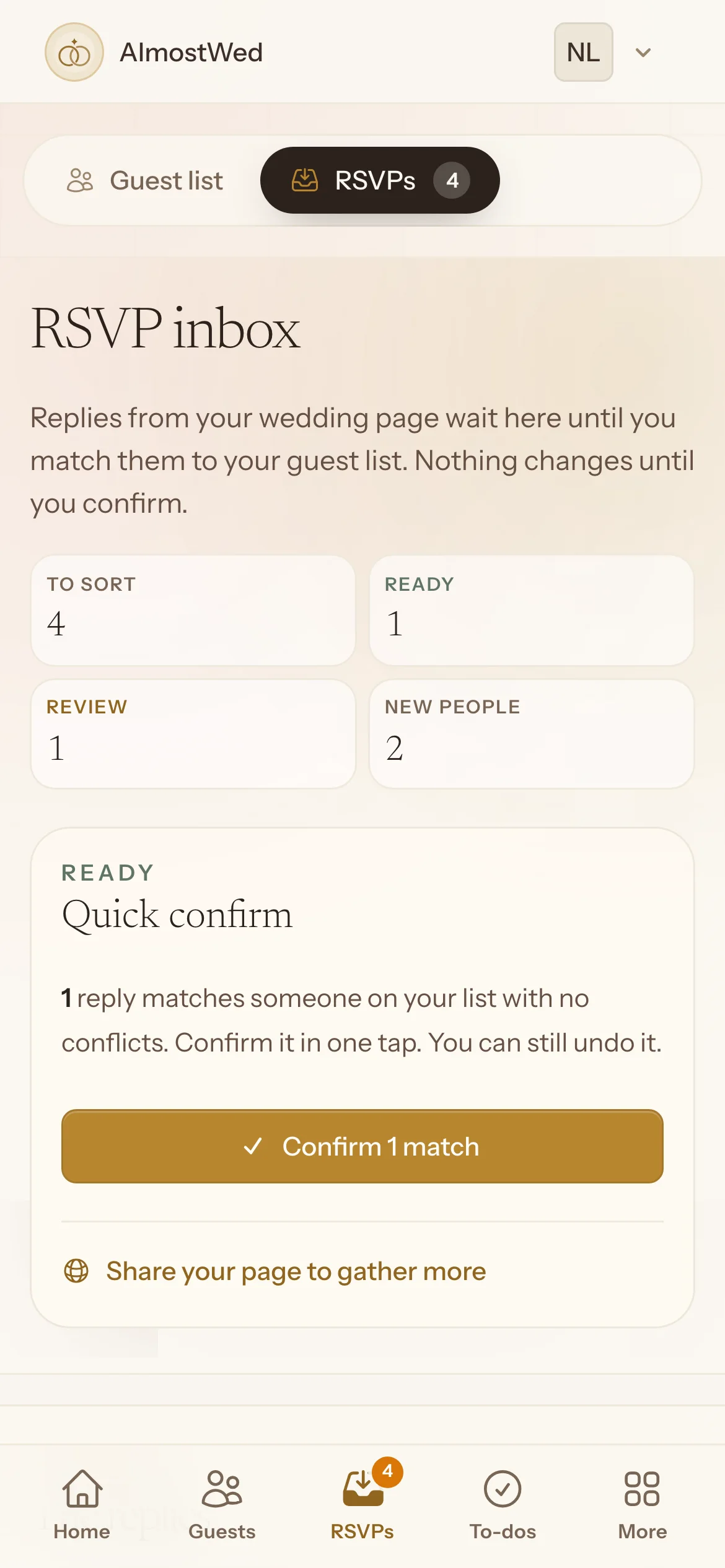
Sort a reply.
Each reply says who it matches and what they answered. Add it to your list, or set it aside for later. A four-reply sample; nothing is saved.
- Added to list
- Declined
- To sort
Inbox empty.
Every reply is sorted and the guest list is up to date.
How replies are handled
- Matched first
- A reply is matched to your list by email or name before it changes anything.
- Plus-ones become guests
- Each extra person a guest brings gets their own entry, with their own meal and dietary note.
- Confirm several at once
- Clean matches can be confirmed together, so a busy day of replies is a minute of work.
- Changes of mind
- If someone flips from yes to no, you see the difference and decide. Nothing is overwritten quietly.
- Undo
- Confirmed too fast? Undo puts the reply back and removes only what it created.
- Still waiting
- The guest list shows who has not replied yet, so you know who to nudge.
The other tools
Everything shares one guest list, so a change in one place shows up in the others. See them side by side
- Guest list Households, plus-ones, meal choices and notes, with reply status on the same list. Read more
- Budget Every cost from estimate to booked to paid, in your currency. Read more
- Seating chart Seat guests from a list or lay out the room on a floor plan, then print the chart. Read more
- Checklist Tasks with owners and due dates, starting from a suggested list or a blank one. Read more
- Day timeline The wedding day hour by hour, with notes and a printable schedule. Read more
- Wedding website One link for the schedule, travel, gifts and the RSVP form. No account for guests. Read more
Send one link and let the replies come in.
Turn on RSVPs on your wedding website. Every reply lands in the inbox, matched to your list.
Free to plan · No credit card · $49 once to publish your guest site · Already have an account